
6 Best work from home Apps
Due to the COVID-19 pandemic, working from home has become the new norm. Many companies across the globe are telecommuting completely or partially to avoid the spread of the virus. Employers and employees are finding it difficult to communicate and collaborate quickly while working remotely. It is important to make ‘work from home’ work for you. So, this article contains a list of the Best Work from Home Apps that help to increase productivity and help to keep up the motivation.
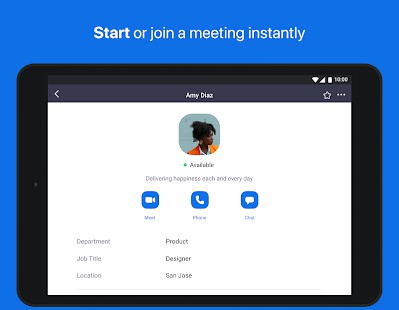
Zoom offers a complete suite for video conferences, virtual meetings, consultations, and face-to-face online chats. The key features of zoom include conducting webinars, group video calls to establish communication among the remote workers, remote team meetings, messaging with other employees. Another advantage of zoom is that one can share files during meetings or outside video calls. This helps to collaborate easily on the work. You can make use of the zoom app free version to conduct virtual meetings up to 40 minutes. There is a paid version in which more participants can be included in the video conferences.
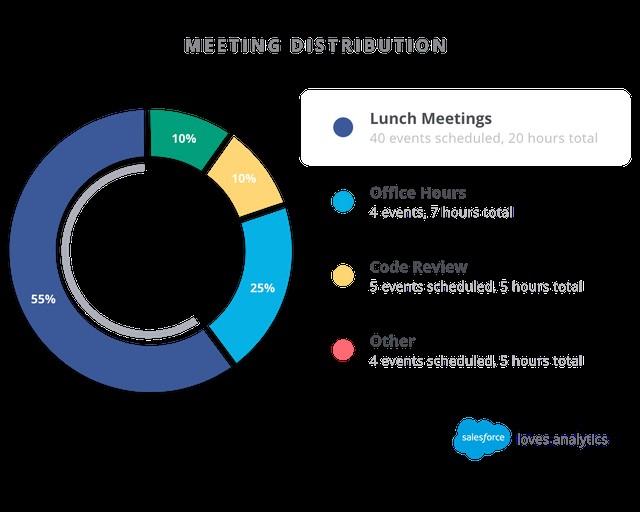
One of the best apps for working from home is ‘Calendar’. It helps to consolidate all the information from Google Calendar and Outlook. Once the integrated interface is created the events are synced automatically. It is one of the essential tools for remote teams as the Calendar’s Analytics options help to keep an eye on productivity. This work from home software automatically transcripts the meetings. Moreover, an important feature of the Calendar app is that it allows the scheduling of meetings. One can book meetings during the available hours and avoid conflicts.
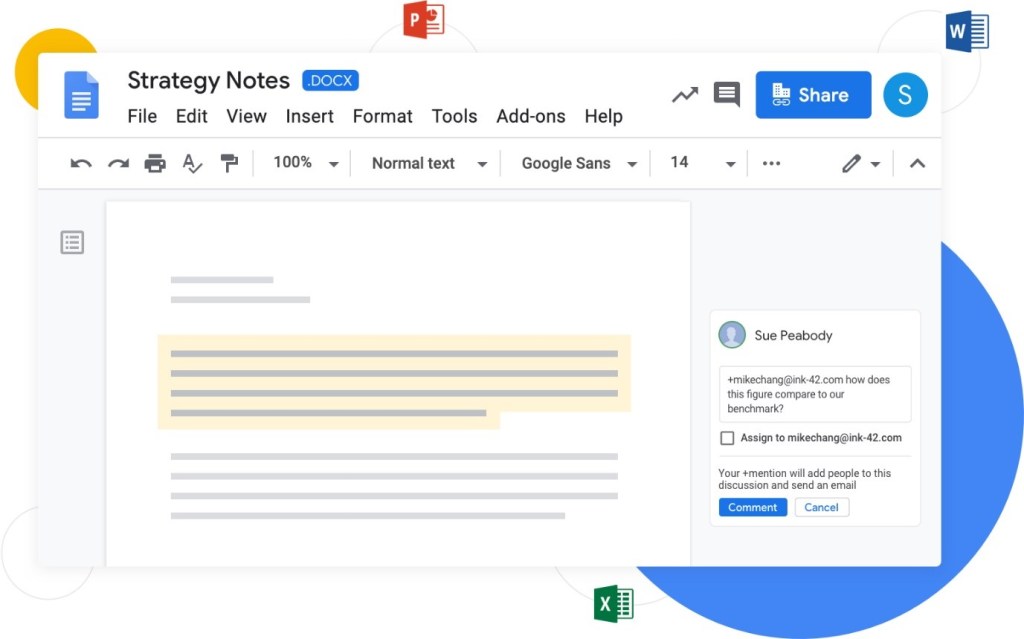
It is the one spot location for storing the files and synchronizing them. Remote workers can create documents, project proposals, and share it using Google Drive. The remarkable feature of this working app is that it allows us to take snapshots of the documents created. For further assistance, you can store them as PDFs in the drive. One can manipulate statistical data for business meetings in Google meetings. Google has created it exclusively to ‘Store, Synchronize, and Share’ files. Make use of this Cloud-native collaboration app and integrate your sheets, files, and slides seamlessly.
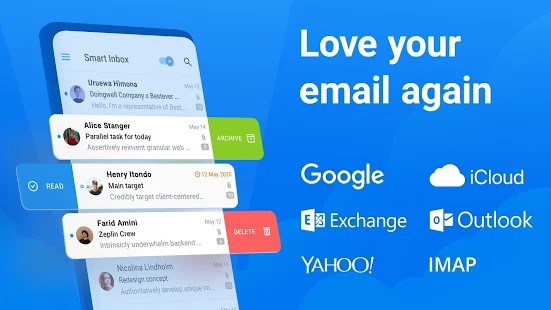
Many works from home employees find it difficult to keep track of the emails and maintain their inbox. So, Spark- intelligent email client comes to the rescue. It helps in collecting and sorting the emails from all the accounts. One can quickly clean the inbox by snoozing all the unwanted emails. Spark helps to set a smart notification so that all the important emails don’t get missed out. The option of scheduling the emails at the correct time to the clients is also available. With Spark one can set reminders to follow up on important emails. This app also has a beautiful dark mode option. Thus, Spark allows us to enjoy a prioritized, fast, and secure email experience.

Worried about organizing and keeping track of all the tasks? Todoist is the best tracker for the to-do-list. It helps to plan, organize, and collaborate on projects both small and big. Note down the points when they just arise on your mind. With Todoist there is no way to forget the deadlines set for the tasks. This task management application helps to track the task progress and checkmark them once they are finished. Above all, Todoist’s best feature is one can define automatically set deadlines for each type of task which is automatically activated based on the time taken to complete earlier tasks of a similar type.
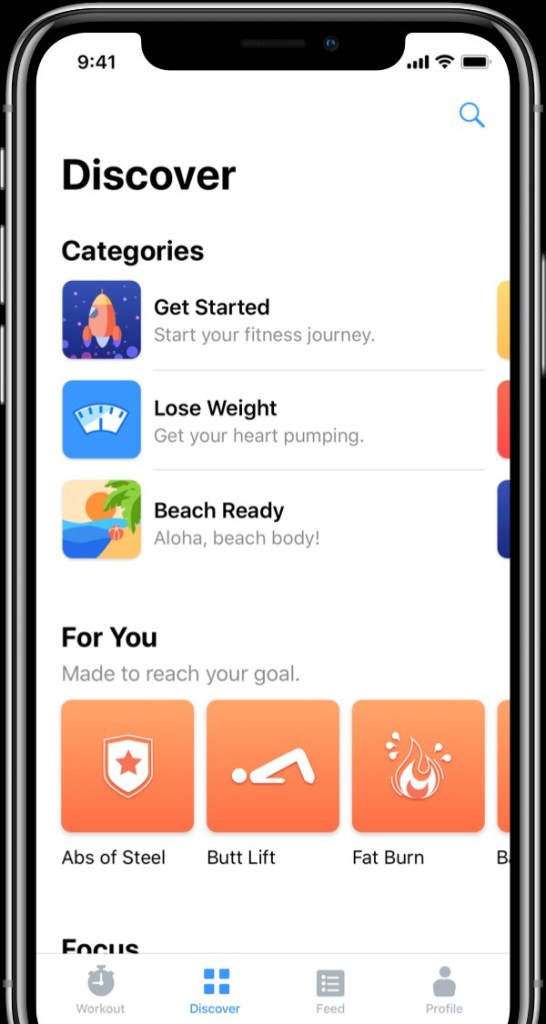
Adjusting to work from home is not an easy process. One must also consider about fitness and health. Working remotely may drain your motivation to work which directly affects your health. So, this ‘Seven’ is an app exclusively built for home workouts. One can stay healthy in this work from the home period and improve productivity. There is no need for any personal equipment for working out. With Seven one can create a regular 7-minute workout. There are more than 200 exercises and workouts to rule out repetitive sessions. To motivate yourself, Seven allows competing with friends. Start using Seven and keep yourself fit and healthy.
Approach work from home with positivity else it might increase your stress levels and reduce your work productivity. These apps might help you to stay calm, focused, and collaborate quickly. Make the most of these remote working tools and complete your work faster.




 Digiteks
Leave a reply to Five Tips to Increase Productivity While Working from Home – Digiteks Cancel reply