Many of us have this question on our minds, why is my phone battery draining so fast? Many factors contributing to preserving the phone battery’s lifespan. Smartphones have met all our expectations in all the fields from video calling to simple texting. But the real challenge is android battery optimization. So, below are some battery tips on how to improve battery life.
Make use of power-saving mode
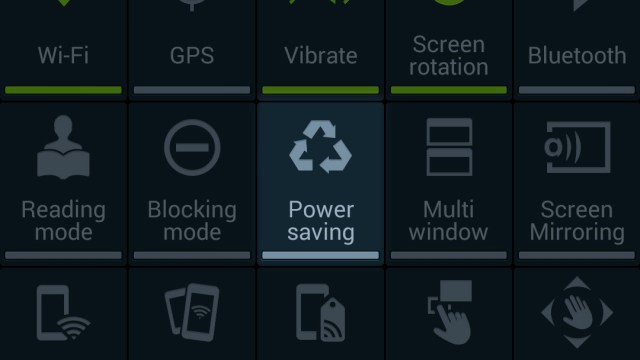
If you are traveling long and not able to charge the mobile then just ‘Turn on the power saving mode’. This might also help you to prolong the battery life for a certain amount of period. Currently, almost all Android mobiles have their own version of battery saving. Power saving mode automatically closes apps that are running in the background, limits the CPU speed, and checks the brightness level. In most Android versions, the shortcut to ‘power saving’ is present in the status bar.
Keep an eye on the Brightness level
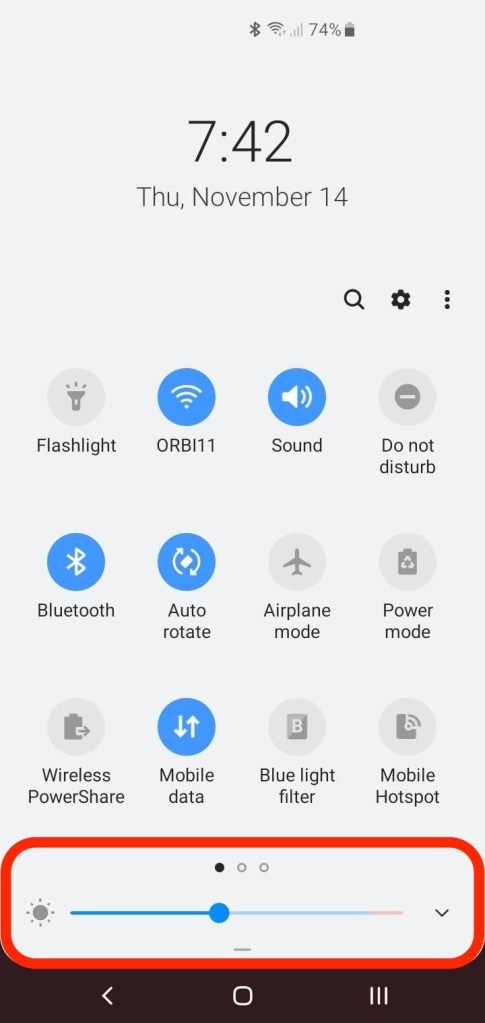
If you are checking your mobile during a bright sunny day then it is mandatory to maintain a high brightness level. But if you are using the mobile indoors then make sure to use the option of ‘Adaptive brightness’ or ‘Auto-brightness’. The smart mobile can pick the correct amount of brightness and also maintain the battery optimization. In case if you are not comfortable with the auto-brightness option, then you can manually reduce the brightness of the screen while indoors.
Check your Wi-Fi
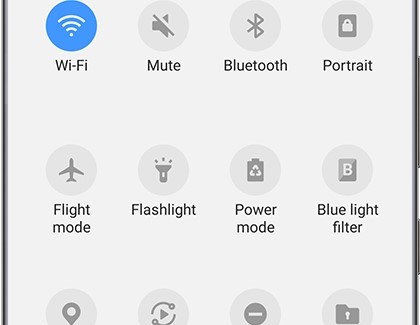
Make sure to turn off the Wi-Fi when you are not actively using the internet. In this manner, a considerable amount of Android battery draining can be saved. Another point to consider is to make sure of using Wi-Fi more than the mobile data network. Usually, network data is strenuous on the battery so switch of ‘Mobile data’. Alternatively, you can download or upload data using the Wi-Fi.
Watch the Apps

Make sure to install only the required apps. If certain apps are not used frequently, then just zip them. Updating apps is another important part to be considered. Turning off auto-updates can help to make your Android battery last longer. Avoid ad-supported apps as they drain the battery quicker. Check for the better coded and latest version of apps. Also, stay updated as poorly coded apps consume a lot of CPU resources. Go to the settings and be vigilant about how various apps consume battery life.
Pick the correct wallpapers and widgets

Interactive wallpapers are a real feast to the eyes but they consume lots of energy to animate it. So, always set a power-friendly wallpaper. You might find the widgets to be user-friendly but they drain a lot of battery. The simple reason is that they are active programs right from the home screen. Avoiding the background apps assures saving a considerable amount of energy.
Avoid extreme temperatures
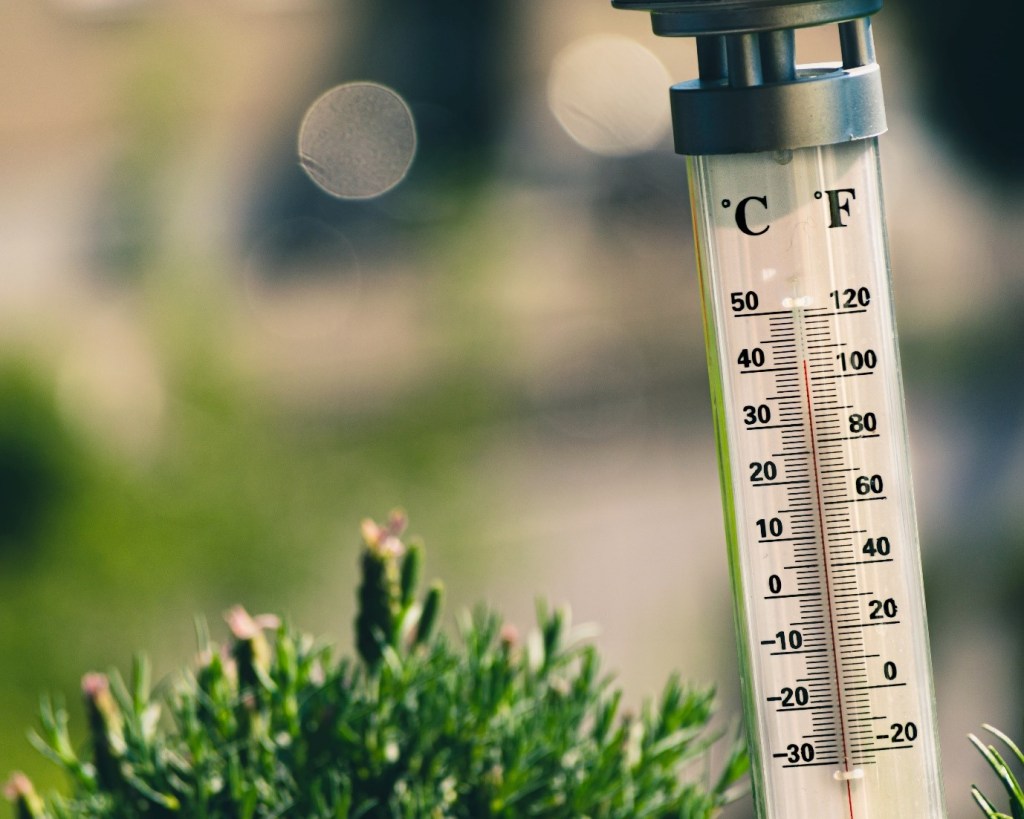
Normally, 62 to 72 degrees Fahrenheit is the ideal zone for the mobile. Using or charging the mobile in extremely high temperatures causes permanent damage to the battery. Besides, while using the mobile in very cold temperatures causes a decline in battery life temporarily. It is proved that batteries work the best in the cool temperatures.
The above points might help to save a considerable amount of battery and prevent your phone from switching off during important scenarios. It is always best to maintain your mobile so that it can give the best experience to you in return!




 Digiteks
Leave a comment