
YouTube is the house of informative videos. You can see videos in all the fields whether it is entertainment, education, technology, cooking, travel, or leisure. Also, this popular video-sharing platform allows us to like, comment, and upload videos. You might be in a need to download videos to your laptop, tablet, or mobile.
Downloading the video allows you to see them in offline mode. For example, you can enjoy a downloaded movie while traveling on a plane, train, or while visiting remote places with a poor internet connection. Besides, you might also download tutorials and make them as your study materials. So, to download videos from YouTube you need free YouTube downloader applications. In this article, you can find the best YouTube downloader tools.
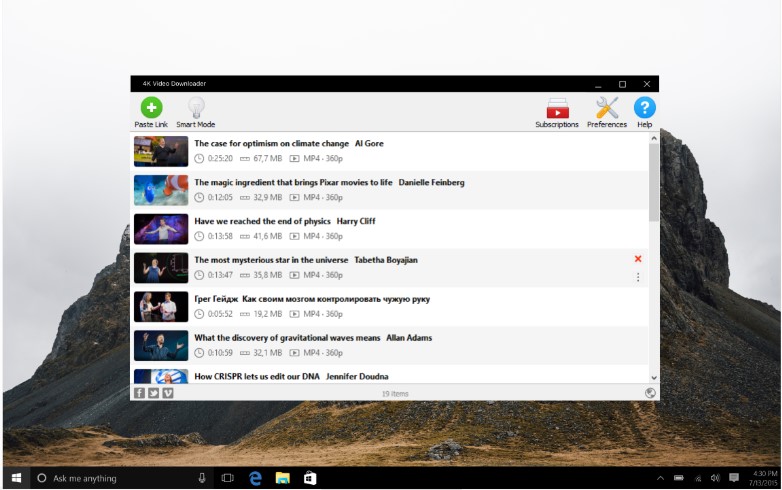
It is one of the best free video downloaders. You can download high-quality and high-quantity YouTube videos using 4K Video Downloader. First, download this free app and then install it. Once installed, you can use 4K Video Downloader to download complete playlists, movies with or without subtitles. It also allows you to save the entire YouTube channel. You can save the files in 4K, 1080p, or 720p quality. Besides, other features include extracting audio from YouTube Music in MP3, M4A, or OGG. Finally, you can also download 360° videos and enjoy the amazing VR experience.
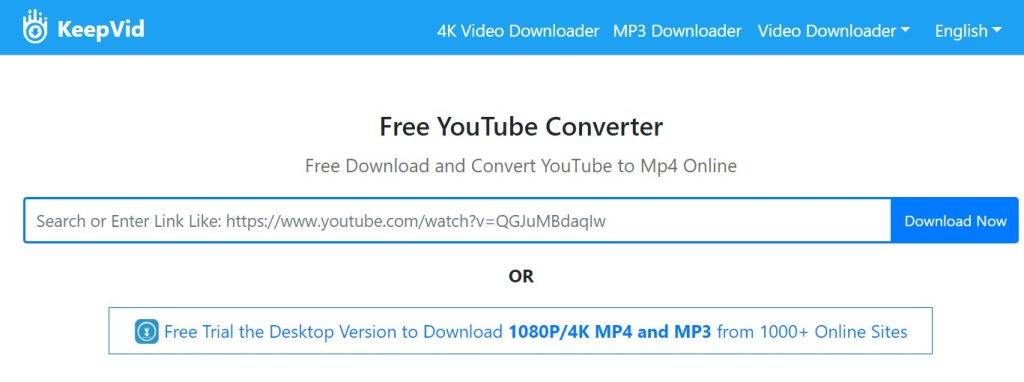
Using KeepVid you can download videos from YouTube, Facebook, Instagram, or Dailymotion. There is also a YouTube to M4A converter that helps to convert the videos quickly. KeepVid is one of the basic and best YouTube video downloaders. You can make use of the YouTube Playlist converter to download the complete playlist. First, copy your favorite video link and then paste it in the search box of the KeepVid. Once you click ‘Download’ the video gets downloaded quickly.
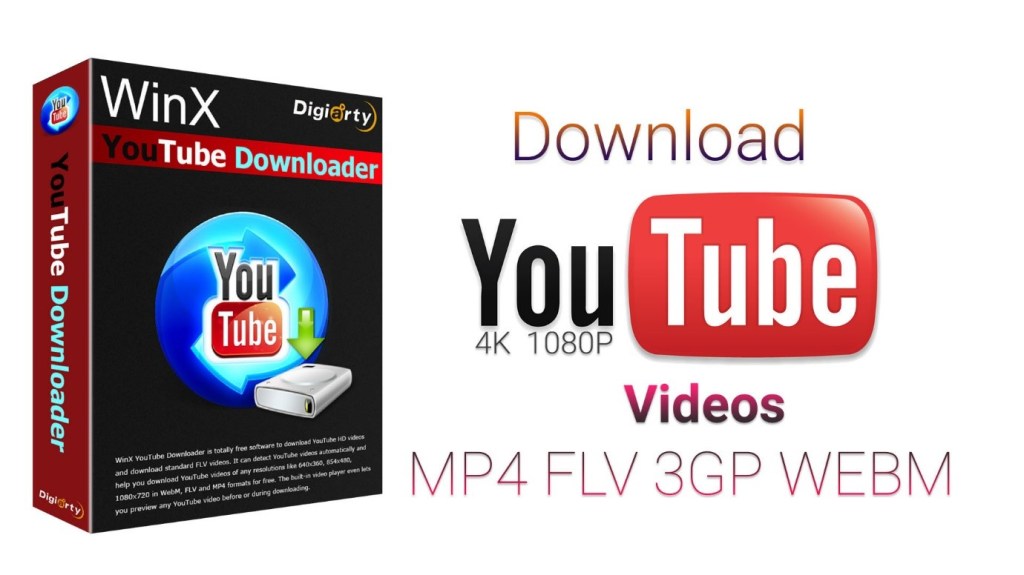
This is one of the best free video downloaders for bulk files. Multicast thread makes bulk downloading easy and stable. The new version of WinX has improved speed while downloading 4K movies or large 4K files. WinX is clean to install without any unstable process during installation. Another important feature of WinX is that you can create various output formats like FLV, MP4, or WebM. You can pick the one that is compatible with your device. Also, WinX provides the option of taking snapshots from the video which can be further saved.
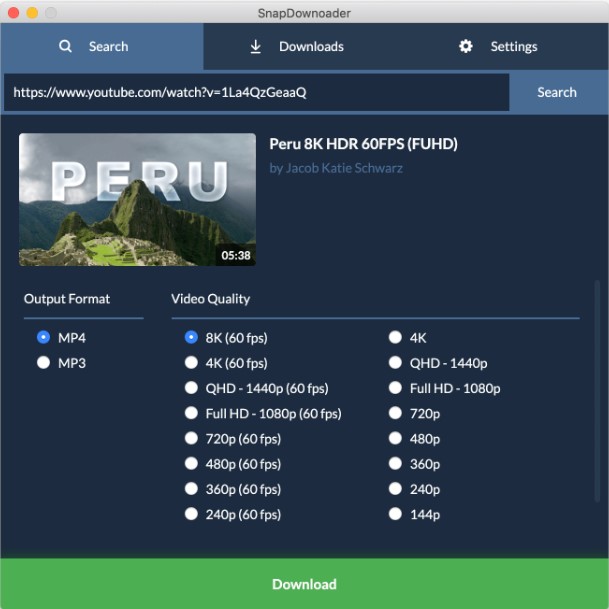
With cross-platform support, you can use SnapDownloader with macOS and Windows. It supports almost all platforms like Facebook, YouTube, TikTok, Vimeo, and Twitter. Moreover, you can also enjoy the 360° videos from YouTube. SnapDownloader downloads all the videos at the best quality and it is also capable of parallel downloads. First, copy the link of the video to be downloaded. Then select the output format and video quality. Once selected click ‘Download’.

VideoProc is the ‘One-Stop Video Editing Software’. This also serves as an online video converter in which you can edit, resize, convert, and adjust large/4K videos, audios. Even if you are a beginner in using VideoProc, you can make use of the toolbox. It helps to edit HD/4K videos easily. With this free youtube downloader, you can also add watermark to your video. There is a built-in media downloader that supports more than 1000 websites. You can make use of the pro-version to avail advanced features and additional services.
Thus, from the above YouTube downloader tools, you can easily find how to download videos from YouTube. They are user-friendly applications that allow you to download high- or low-quality videos depending on your requirement.




 Digiteks
Leave a comment