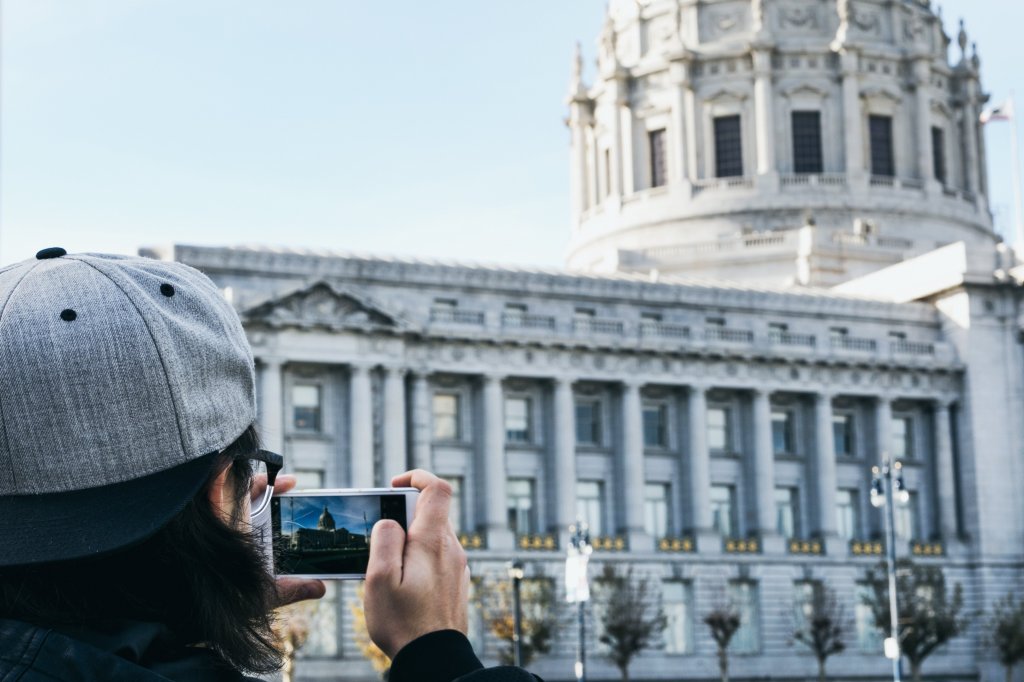
Editing photos is no longer difficult. You can find a bunch of free photo editing apps that can be used to make your photos shine. With the advance in mobile cameras, you can capture high-resolution photos. Then, you can employ the best photo editing software to edit or crop them. Normally, you can shoot, then edit, manage, and share photos using these applications.
In this article, you can find the best 5 free photo editing apps for Android and iOS users.
Snapseed
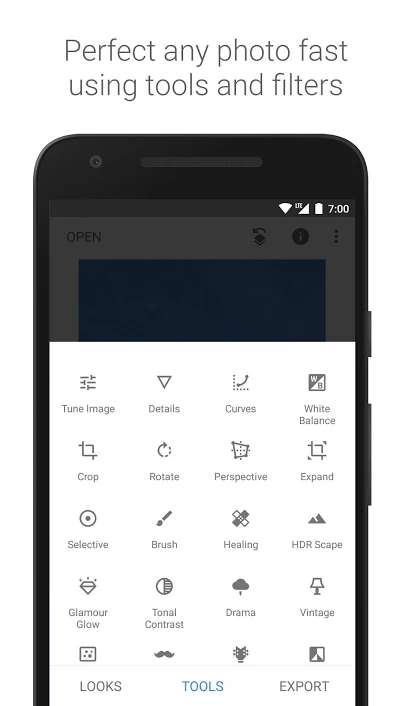
Google’s Snapseed is a complete professional photo editor. It has a user-friendly interface with a range of filters. You can open JPG files or even RAW files and edit them. Another remarkable feature is that its filter brush. Snapseed is the most-famous photo editing software.
- It has a total of 29 tools and filters that includes healing, brush, HDR, structure, and perspective.
- Background softening and adding bokeh to the image is possible.
- Allows to tune image by adjusting the color and exposure of the photo.
- Face enhancement options are also available that helps to focus on eyes or smoothen the skin shade.
- Adding frames and cropping, rotating the photos, double exposure, glamour glow, and tonal contrast is also feasible.
Snapseed is freely available on Android and iOS.
PicsArt
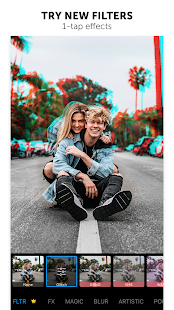
PicsArt can be used in 30 languages across the world. Further, it has an inbuilt camera and allows editing photos and videos, explore the stickers, and many more. You can make use of the available drawing tools and thus get a professional look to the photos. The latest feature added is the ‘Speed tool’ that allows us to slow down or increase the speed of the chosen video layer.
- Add texts with various inbuilt fonts to the image.
- Delete or blur the backgrounds to increase the focus on the image.
- Quickly create a collage, scrapbook, or generate memes and share with your kith and kin.
- Rich-array of photo effects like canvas effects, sketch effects, and dripping effect.
- Go for PicsArt’s Gold subscription to get an insight into the exclusive range of photo-editing tools.
PicsArt is freely available on Android and iOS.
Photoshop Express
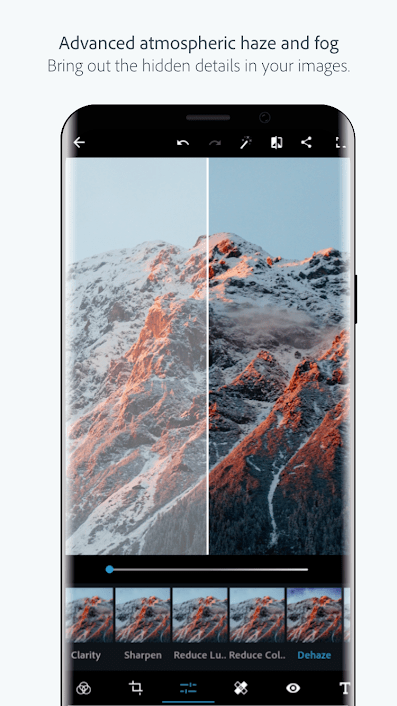
Adobe’s Photoshop Express is the collection of the best photography tools. Enjoy the fun-filled one-touch transformations of the photos that include creating collages. Also, you can make use of the Photoshop Express as a healing tool to fix crooked images and remove color noise.
- Improve the quality of the photo and then directly share it across social media platforms.
- It is one of the best easy-to-use digital studios available on the mobile.
- Personalize your photos with stickers, fonts, layouts, and use custom watermarks.
- Use spot healing and consequently improve your selfies by removing blemishes and spots.
- Use dramatic filters to remove the fog, modify the color temperature, and vibrance.
Photoshop Express is easily available on Android and iOS.
Pixlr

Pixlr is exclusively created for casual photographers. You can correct your imperfect photos by adding the necessary effects. Moreover, it has a user-friendly interface with quick photo adjustment tools. Make use of ‘Auto-Fix’ to adjust the color of the photo in a single tap.
- Different types of brushes for selective edits.
- Make use of options like color splash effect or add impact with focal blur.
- Create photo effects with pencil sketch, poster, watercolor, and also add texts to the photos.
- Use the Favorite button and consequently track all your preferred styles and other editing features.
- Finally, stay updated with new releases of effects, borders, and overlays.
Pixlr is freely available on Android and iOS.
VSCO
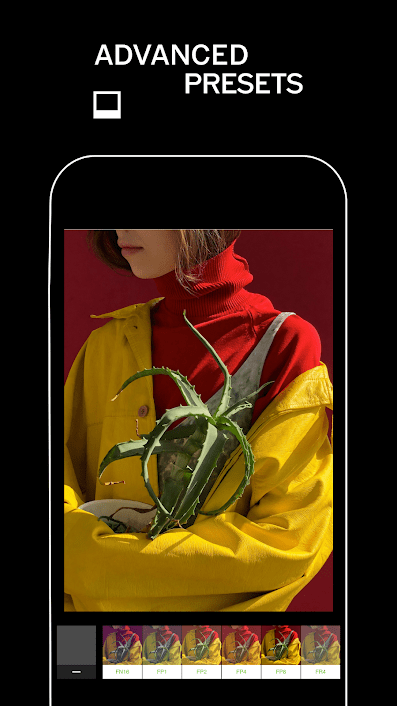
This photo editing app is a complete suite of photo corrections and adjustments. You can quickly import and also edit the RAW photos. Besides, it has a set of editing sliders, from exposure to skin tone. iOS users can make use of the VSCO in-camera options.
- Connect with the existing VSCO users and then form a community.
- Create moving collages and further form a video story using the images and shapes.
- Make use of the modern photo editing tools like ‘HSL and Split Tone’.
- Video editor with white balance adjusting and color control.
VSCO is freely available on Android and iOS.
You can become an excellent mobile photographer by using the correct photo editing app. Explore the features of the apps, their uniqueness, and pick the one that is suitable to satisfy your needs.




 Digiteks
Leave a reply to Why is My Computer so Slow? 5 Common Reasons – Digiteks Cancel reply