
Smartphones are used widely by people of all ages. We can even see toddlers using a smartphone to see rhymes or videos. The advantages of using the smartphone are numerous from simple texting to video conferencing. But, at the same time, there is also a dark side of the smartphone. Children or teenagers are more prone to be affected because of this. So, cellphone monitoring by parents has become mandatory. Parents must use the best parental control app to check their children’s online activities.
Free parental control apps are available for both Android and iPhone users. Therefore, you can find the free parental control app for Android and also the best iPhone parental control app.
Norton Family parental control: Android, iOS
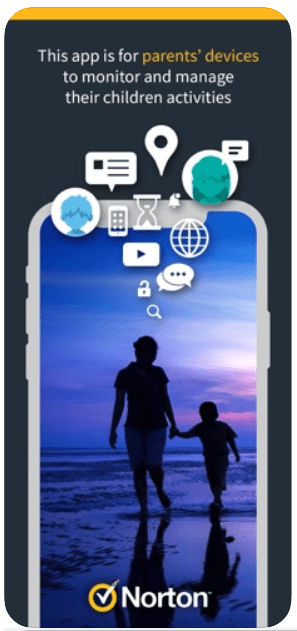
With Norton, you can block all unsuitable sites for your kids. Moreover, it allows you to monitor all the websites they are visiting. Also, you can keep an eye on all the apps downloaded. Above all, as a parent, you can have control over your kid’s online time.
- Track your child’s location and thus be aware of their safety.
- Norton’s instant locking helps parents to manage their devices.
- Parents receive an email alert whenever their child is trying to access blocked websites.
2. Kaspersky Safe Kids: Android, iOS

Kaspersky Safe kids have all the features required to make it the best parental control software. Parents can set a safety zone for their children using the map. Whenever their child goes beyond the area Kaspersky instants warns them.
- Can be used on any number of devices. Moreover, it allows for creating different profiles.
- Have control over the games and apps being downloaded.
- Geofencing helps to get details about the child’s real-time location.
3. Family Time Parental App: Android, iOS
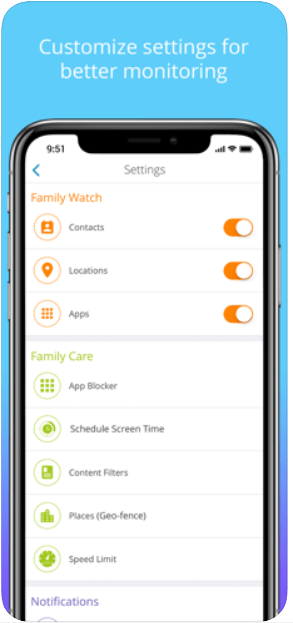
Family Time app helps parents to monitor kid’s online activity using safe search and internet filters. Apart from housing the normal features of the parental control software, this app has an additional feature. Parents can get help from support experts.
- Children can make use of the PickMeUp option. This sends the time and their exact location to the parents.
- Safe Drive alerts the parents when children go beyond the safe driving speed.
- This app allows co-parenting so both the parents can share the parenting rights.
4. Qustodio: Android, iOS
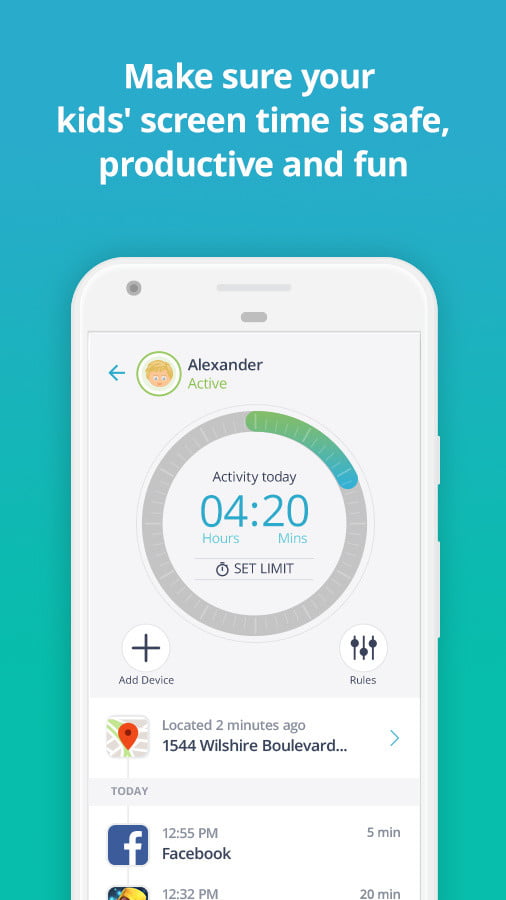
Qustodio has a well-designed web interface. The app’s dashboard displays all the recent activity including the time spent on social media platforms like Facebook and Twitter.
- Qustodio allows us to track messages and calls. Thereby, it allows parents to block any unwanted phone numbers.
- Other than normal features, Qustodio allows adding a panic button. Kids can use this button to alert family members during an emergency.
- Easy customization options are available to monitor the kids across all age groups.
5. Kidslox Parental Control: Android, iOS

Kidslox allows managing up to 10 devices with a single account. Parents can prioritize family time by setting daily limits for screen time.
- Kidslox has three modes, parent mode, child mode, and lockdown mode.
- Parents can have complete control with Kidslox PIN and childproofing tools.
- Excellent cross-platform coverage that allows managing all devices from one app.
Currently, distance learning has become the new norm. So, children spend more time on smartphones or tablets. Consequently, parents are pushed to use parental control apps to monitor their child’s online security. These apps help children from online threats and also help them to identify secure websites.




 Digiteks
Leave a comment