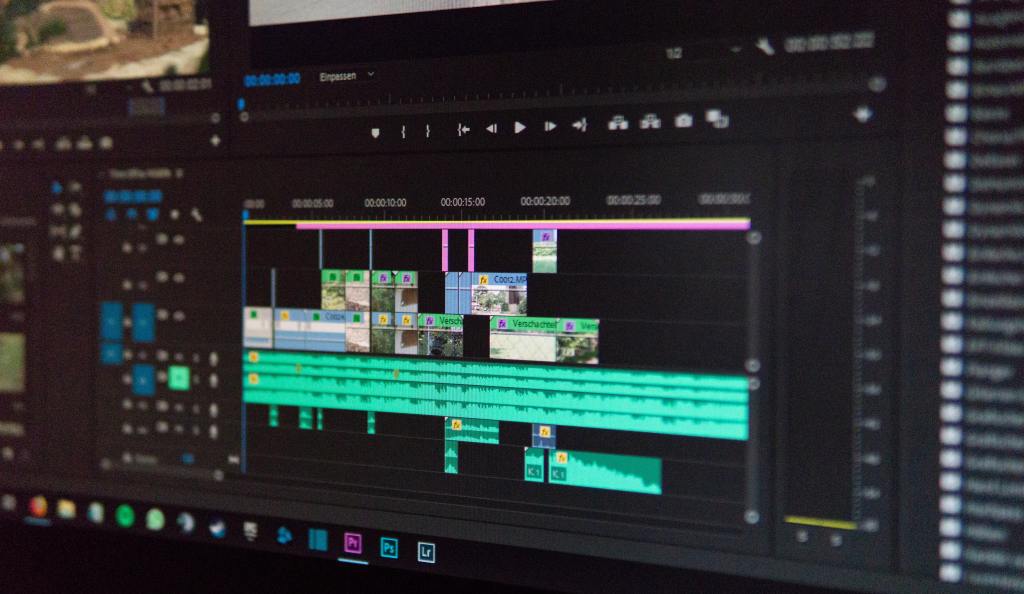
Many videos are being circulated on social media platforms like Facebook, Twitter, or Instagram. So, there is numerous free video editing software to help you edit the videos. Free video editors help even beginners to achieve the best out of your raw video. According to research, e-commerce product videos are known to increase conversion rates.
These best free video editors have a simple and easy-to-use interface. So, non-professional video editors find it a boon. Moreover, the easy video editing software are available in both Mac and Windows.
Below, are the top 5 free video editing software along with their unique features.
Lightworks
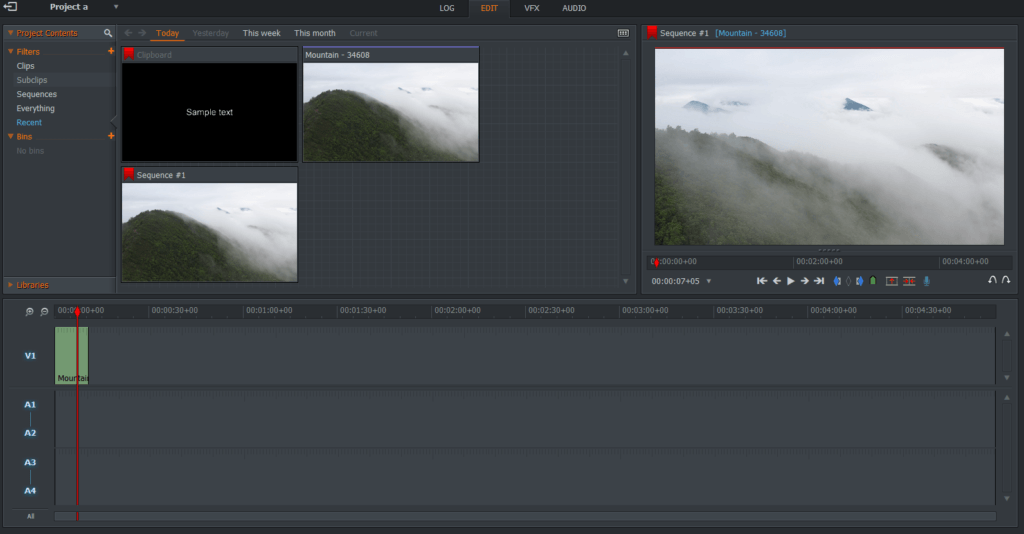
Lightworks video editing software has a user-friendly interface. It allows you to export video YouTube, Facebook, Instagram, and Vimeo. This complete video creation package helps to trim, import, seamlessly weaving audio and video together. You can make use of the stock videos and music clips available in Lightworks and highlight your marketing video. Another important feature of Lightworks is that it supports a wide range of video formats and also allows multi-track editing. Further, all beginners can make use of the Lightworks tutorial videos.
HitFilm Express
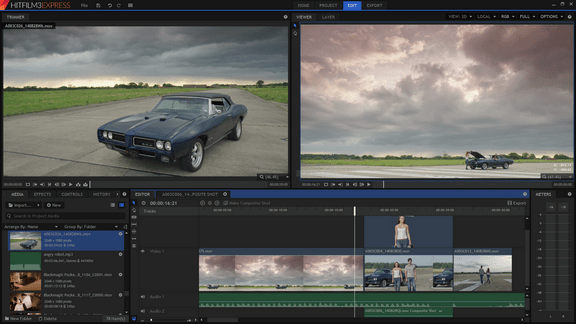
You can experience the real professional video editing with HitFilm Express’s VFX tools. It has a customizable interface that helps while creating a vlog. You can trim the videos even after adding it to the timeline. Also, it has an audio mixer that produces quality sound output. Moreover, HitFilm Express has a set of animation tools. So, you can make use of the various transition options like zoom, push, or dissolve. The only disadvantage with this video editing software is that it needs high system requirements.
Shotcut
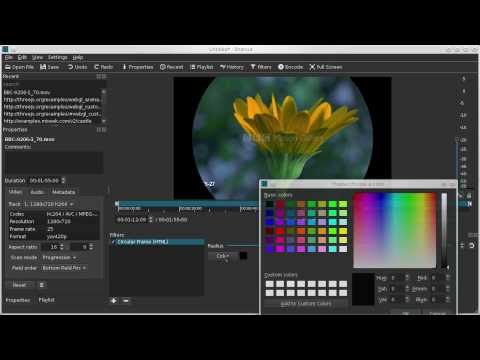
Shotcut is a free open-source video editing software that supports many audio and video formats. Users can make use of Shotcut’s audio filters like balance, bandpass filters, bass and treble, compressor, limiter, low-pass, and many others. Thus, this cross-platform video editing software is ideal for audiophiles. Besides, Shotcut also features 360-degree video filters. The editing features also include dragging and dropping files from the file manager. Finally, Shotcut works well even on the computers that don’t have discrete graphics.
VideoPad

VideoPad is intuitive and fast editing software. It supports many video formats like avi, divx, wmv, mp4, png, mpeg, and many more. You can make use of its great set of video transitions and video effects which also includes 3D video editing. The digital audio tools help to add music tracks easily like a pro. Above all, VideoPad has a double built-in screen which allows users to preview both selected clips and completed sequences. But, VideoPad does not have motion tracking and multi-cam editing options.
VSDC
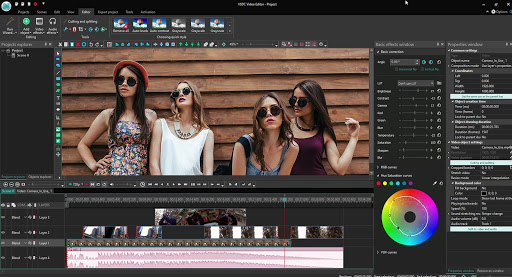
VSDC is a free multimedia suite with anti-shake technology. You can make use of the mask filters to blur, highlight, or hide the background. VSDC supports all the famous audio and video formats and it also furnishes updated video effects, filters, and transitions. You can make use of VSDC’s color-correction tools to highlight your videos and thereby give it a professional look. However, you can edit a 360 video with the help of VSDC.
With the top 5 free video editing software listed, you can pick the best one according to your need. Also, make sure to check the basic system requirements before installing the software.




 Digiteks
Leave a comment