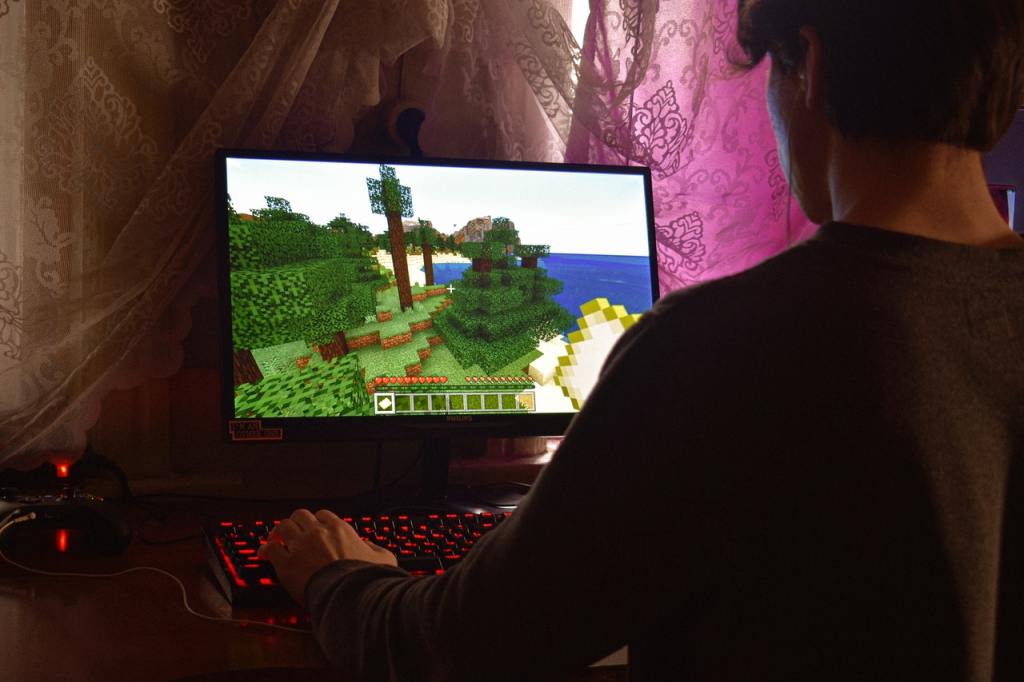
Gamers enjoy many new games and there is no limit to creating new games. But, many of us have like to enjoy our old games. So, is it possible to play your old games on your Windows 10 PC? The answer is Yes! There are some simple ways to enjoy playing your old games.
DOSBox
DOSBox is a popular emulator for Windows. You can run all the DOS games and applications on your present Windows 10 system. Also, this free application is user-friendly and you can get an online solution if in case you are stuck in-between.
Use the Admin Privilege
Make use of the ‘Run as Administrator’ option to run your old Windows XP games on Windows 10. Microsoft has increased the security in Windows 10. But in the case of Windows XP, most users were administrators. So, now just go to the game’s executable file. Then right-click on it and then choose the option ‘Run as Administrator’.
Choose the compatibility mode
Here the operating system emulates the older versions of itself. First, find the .exe file of the old PC game and then right-click on it. Now, click ‘Properties’ and then click the ‘Compatibility’ tab. Finally, check the ‘Run this program in compatibility mode’ checkbox.
Try using a Virtual Machine
You must first set up a virtual machine. Then install the older version of Windows on it. After this installation, you can install the game and run it. In this case, the game is installed on the older version of Windows but it is running on your current system. Even though this is a long process consisting of stages of installation, it is one of the best choices to help you play the old games. You can make use of the free VirtualBox software, VMWare Fusion, or Parallels Desktop.
As PC users many of us are always tempted to play the old games. So, try the above steps and start cherishing your old childhood game memories!!




 Digiteks
Leave a comment