App Locks to protect your private data that is present on your mobile.
Smartphone has become a personal gadget used by many people. We store banking details, personal photos, important messages on our phone. So, it is mandatory to keep these data safe. Few people find it interesting to intrude on other’s devices. Is there any way to prevent them from seeing our personal stuff? Yes, you can make use of app locks and make sure others cannot view your private data even if they use your mobile.
Here is a list of the 5 best app locks for Android.
Norton App Lock
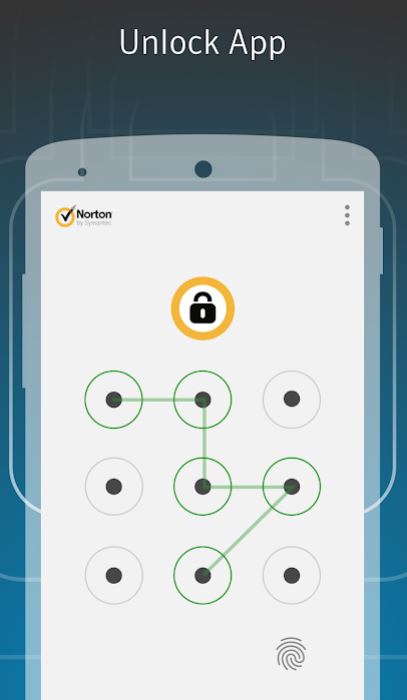
Use Norton App Lock and protect your sensitive information and your privacy. You can use any of the three options PIN, password, or pattern lock to lock any of the apps on your mobile. If in case you lose your mobile you can make sure your private data is not visible. So, using Norton App Lock adds a secure layer. You can also lock your videos, photos, bank apps, and social media apps. It also gives you certain parental control when you give your mobile to kids for watching rhymes and for playing games. It is compatible with Android OS 4.1 or higher versions.
AppLock
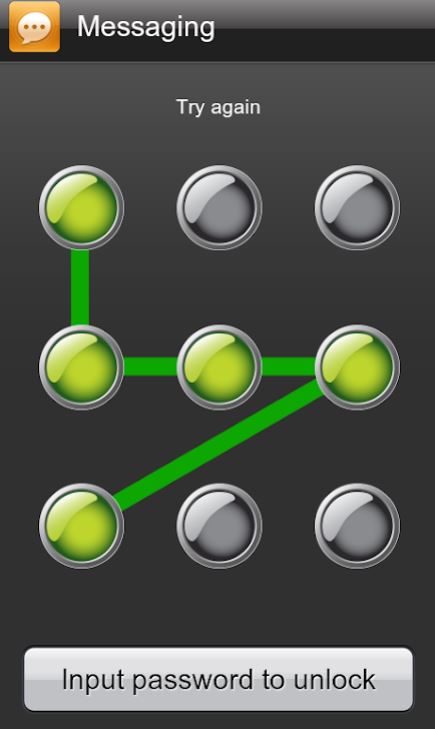
AppLock is one of the best free app locks for android. You can use a password or pattern to lock SMS, contacts, e-mail, settings, gallery, calls or any other apps. Apart from locking apps, you can also lock Android toggles like Bluetooth, Wi-Fi, and mobile data. You can set timeouts after which idle apps are automatically locked. Another unique feature is that you can set up a work lock profile and home lock profile. The AppLock layout is user-friendly and is compatible with Android 4.1 and higher versions.
Keepsafe
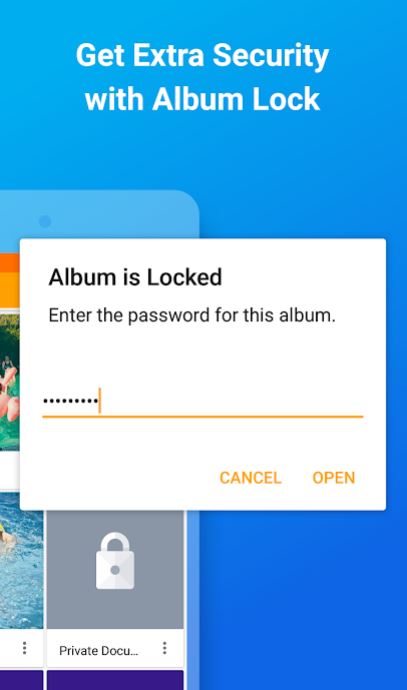
It is the best album locker and photo vault app on Android. You can decide who can see your gallery. Using Keepsafe you can put your sensitive data and personal photos under lock using a password, pattern, or finger print. You can make use of the private encrypted cloud and sync your albums, videos, and photos. Make use of trash recovery to recover the photos that you have deleted accidently. You can also protect and organize important files. You can compress the photos using Keepsafe and the originals can be stored on a cloud. So, this saves an amount of storage on your smartphone.
Finger Security
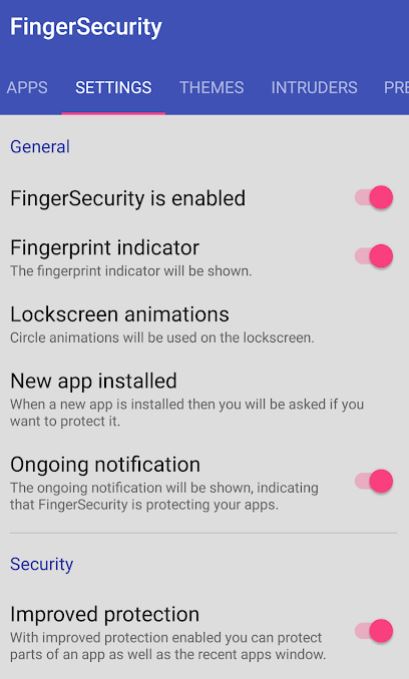
Using Finger Security, you can protect the apps with your fingerprint. It consists of a bundle of features to make sure all your sensitive information on the mobile phone is shielded. The widget helps you to quickly enable or disable the lock. It also helps you to identify the intruders by taking a photo of them when they are trying to open your protected files. You can also hide the notifications of the locked apps. Moreover, you can setup safe locations and the locked apps are automatically unlocked in these safe locations.
LOCKit
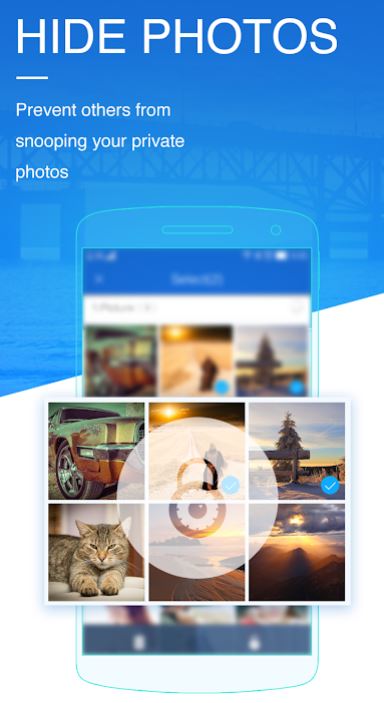
LOCKit features a user-friendly interface and provides complete privacy protection. There is a fake cover that covers your apps to unlock the screen. Once you install and start using this app no one else can uninstall it. A notification bar is added that allows you to quickly lock and unlock the app. You can store your photos and videos in the photos and videos safe vault. In addition to protecting your data, LOCKit also keeps the lock screen beautiful with free themes. The newly added apps are also locked to ensure protection.
Smartphones have become our best companions and it is a part of our daily life. So, use the best app lock that suits your needs and stay protected.




 Digiteks
Leave a comment