Best password managers that help to keep your online account credentials secure.
Are you among those finding it hard to manage your passwords? Then, just read through to find the best password managers and start using them. Nowadays, we access many websites and have many login credentials. It is not possible to remember all the login details on each website. At the same time, we cannot use the same password for all the accounts. It is not safe and if any one of your accounts is hacked then other accounts are highly insecure. So, it is mandatory to choose a strong password for all the websites.
What does a password manager do?
- It stores all the passwords used in various online accounts safely in an encrypted form. So, you need not remember your passwords.
- It automatically generates strong passwords that are difficult to be predicted.
So, you can easily create, store, and manage passwords easily by using password managers.
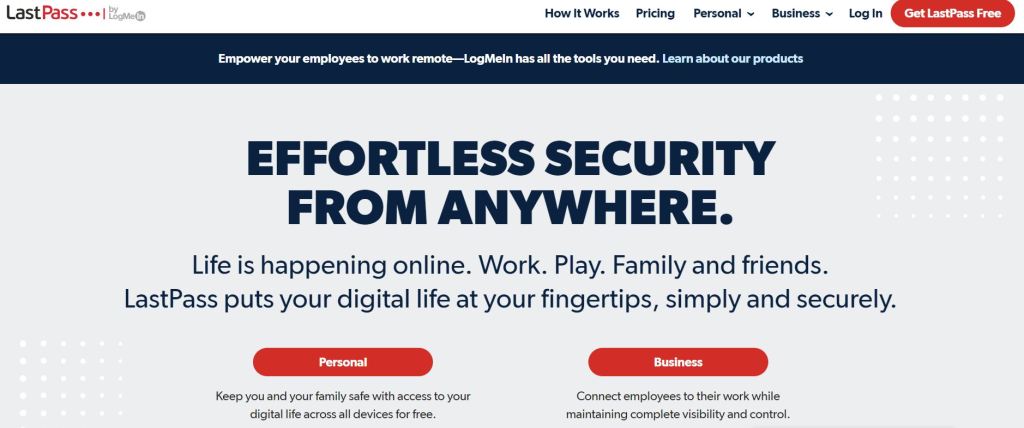
LastPass has a bundle of features and is also easy to use. It is available as a free version and a premium one. Once you save a password in LastPass, it is stored securely in an encrypted manner. Besides, you can also store the memberships, insurance cards, credit, and debit card details. When you do online shopping LastPasspassword manager fills in the payment details. Multifactor authentication adds an extra security layer.
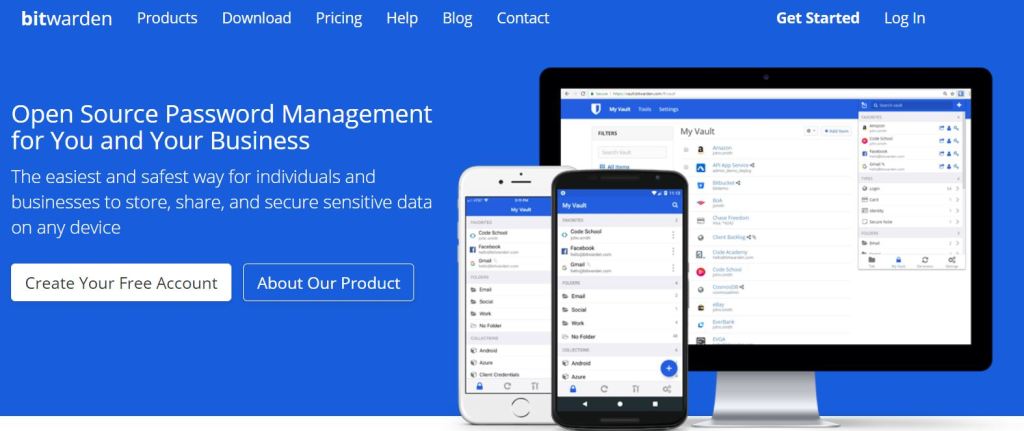
Bitwarden is an open source software and helps you to strengthen your online security. You can also share the saved data within the Bitwarden vault. So, you can access from any device laptop or desktop and in any browser. Individuals can make use of the free plan whereas Bitwarden for business is also available. If you avail of the premium plan, then you can also have a look at the vault health reports. It shows weak passwords, reused passwords, and unsecured websites.
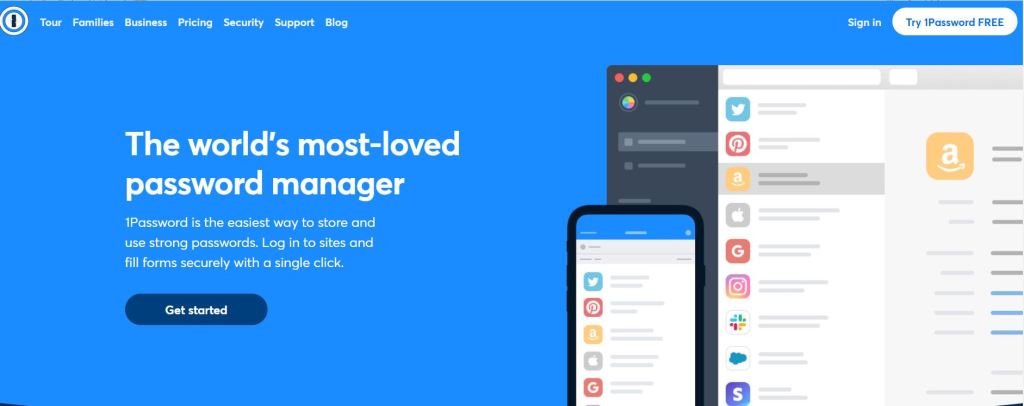
1Password is best for families as you can use it on unlimited devices. You can get help from its support team that is available 24/7. 1Password. It uses AES-256-bit encryption and ensures complete and total security. So, only you can access your data. Moreover, there is a travel mode that removes certain information while you are travelling. Once you return home you can easily switch back to normal.
You can use Dashlane and protect your passwords and other data securely. Dashlane generates strong passwords so that your account is less prone to hacking. It can also auto fill the web forms quickly. Besides, you are also alerted if there is any security breech. While using Dashlane you can use the in-built VPN. This allows you to browse the web more securely. The premium plan allows you to synchronize all your passwords on all the devices.
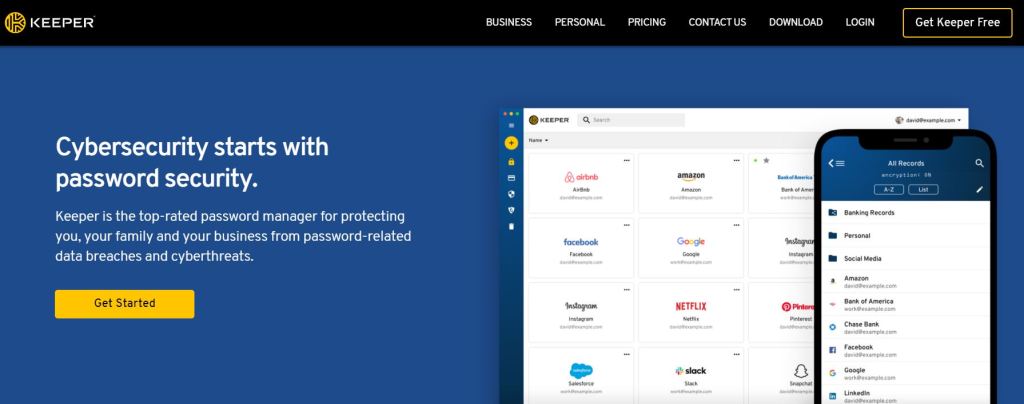
You can try Keeper free for 30 days. If you find it satisfying your needs, then you can buy the software. Keeper has a user-friendly interface whether you use a mobile, laptop, or desktop. You can make use of the biometric authentication while using Keeper from mobile. Above all, it has an excellent family plan which allows you to share files securely among the family members.




 Digiteks
Leave a comment