Connect your Android phone to TV and enjoy watching streaming on big displays.
Many of us love to enjoy the latest movies on big screens. Watching it together with our family or friends is real fun. So, here are few steps that help you to connect your Android phone to TV. You can connect it and witness the best entertainment. Earlier, you need an HDMI cable or a USB cable to connect your mobile to the TV. You must always carry a cable or sometimes the cable length might be short. So, there are some disadvantages while using the cable. With the advancement of technology, now you can connect it wirelessly.
Google Chromecast
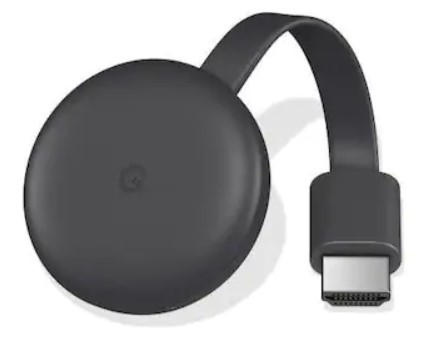
Google Chromecast is one of the best streaming devices that allows you to mirror your smartphone to the TV. You can use Google Chromecast in your flat-screen TVs without internet connecting capability. First, connect this dongle to the HDMI port in your television. Then, use the Google Home app and follow the simple steps. Now, you can watch your Android mobile screen on the TV. It includes watching videos, movies, shows from Netflix, YouTube, other stored content on your mobile.
Smart View
This feature is exclusively available in all Samsung Galaxy mobiles. If you own a Galaxy series smart phone, then just pull-down the notifications bar.
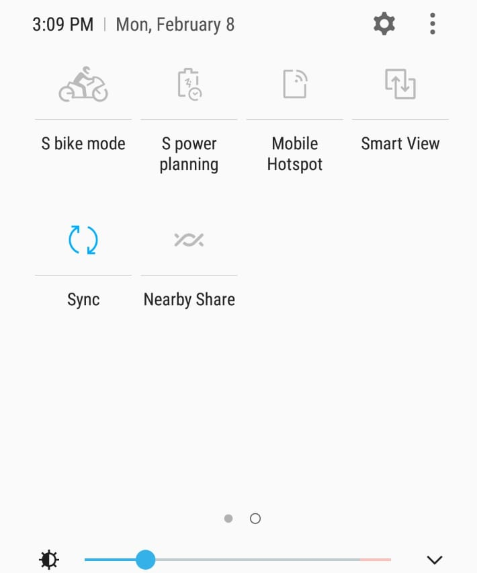
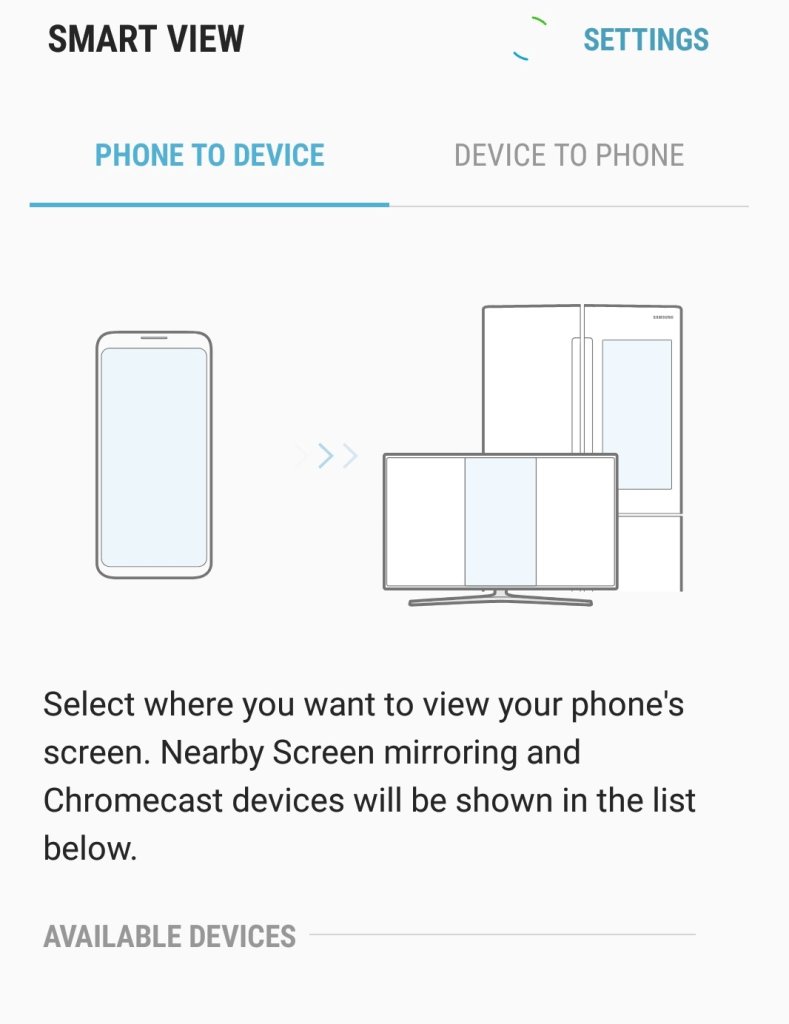
Then tap it on and select the device where you want to view your mobile’s screen. You can select the device from the list of available devices. Once you get it connected all your content in the smartphone will be displayed on your Samsung smart TV.
Roku
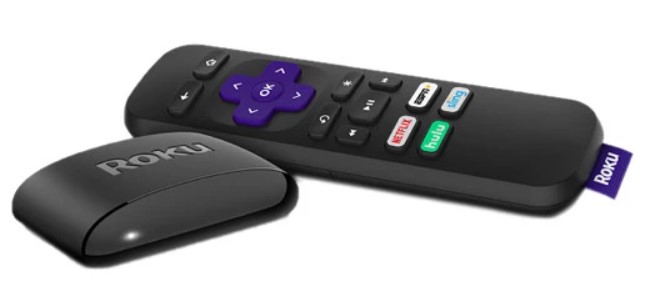
Roku is also a device that helps you to enjoy the internet on your television. Connect the Roku stick to your HDMI port on the television. You can use the screen mirroring option in its settings. In your Android mobile go to settings—display—cast. Also, make sure both mobile and Roku devices are connected to the same Wi-fi network. But Roku does not support Apple products like iPad, iPhone, or Mac.
Miracast
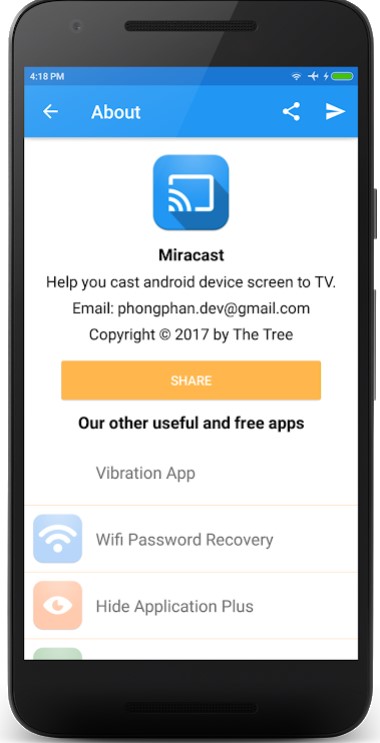
Miracast is the Wi-Fi certified standard for casting from Android devices to smart televisions. The Wi-Fi alliance introduced the Miracast program in 2012. So, the devices need to be Miracast-certified to communicate, irrespective of the manufacturer. The standard allows up to 1080p HD videos and 5.1 surround sounds. Windows 10 supports Miracast, while only some Android devices support Miracast. Always ensure that the smart tv and the smartphone are connected on the same Wi-Fi network.
Digital Living Network Alliance (DLNA)

Most smart TVs are DLNA certified devices. So, if you do not find any other choice, you can try DLNA. But you should be aware that files streamed using DLNA lack Digital Rights Management (DRM), which means you cannot cast unlicensed music and videos. Unable to cast Netflix videos is another disadvantage here.
Conclusion
Android smartphones and smart televisions have become common things in every home. The methods in this article to cast your favorite multimedia from your phone to television helps you view them on the big screen. Right from viewing the most memorable photos to enjoying your favorite videos, you can view them all through these tools.




 Digiteks
Leave a comment