
Stepping into the digital world! Go paperless with the best digital signature software.
Digital signatures are being used by many businesses over the years. Now everything is digitized due to the pandemic and businesses are using digital documents with e-signatures. Typing a legal document and forwarding it to the manager or higher officials to sign and then scanning the document is a very big process. By using digital signatures, the whole process can be completed quickly. Now the question arises with regards to its security. Are digital signatures safe? Can anyone tamper it? The digital signature is integrated into the document and cannot be tampered without the user’s knowledge.
Signmee
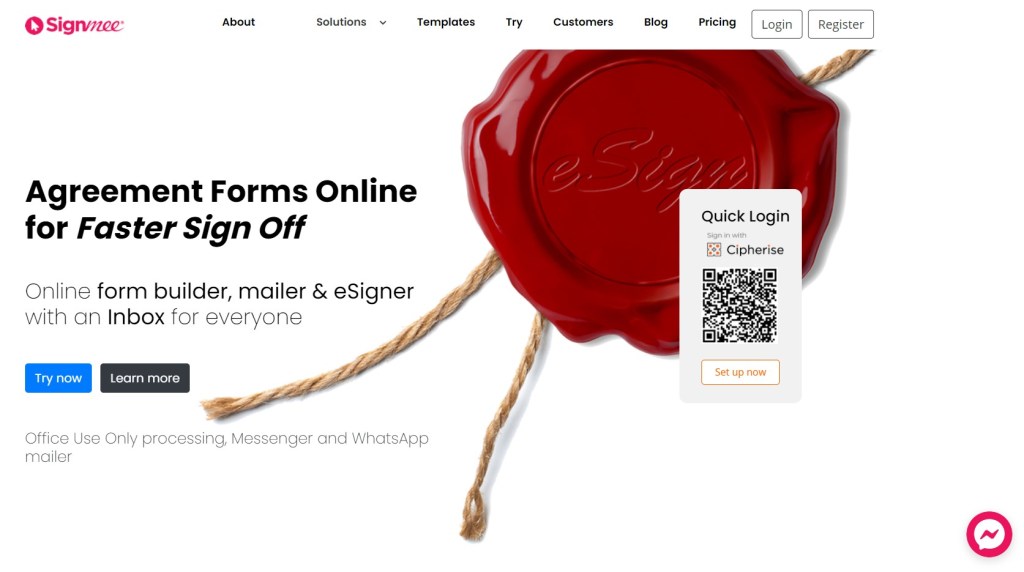
Signmee is an online agreement form and eSigner platform. Some of the key features of Signmee includes notifications through SMS, email, or WhatsApp. You can track all the documents which were opened, signed, or declined using the Signmee business dashboard. First, you can create a customized form using the templates and then send it to others in an organization. They can fill up the form and then sign online. The latest update from Signmee it has Cipherise fully integrated. So, you can sign your documents from your mobile using a fingerprint or FaceID.
Adobe Sign
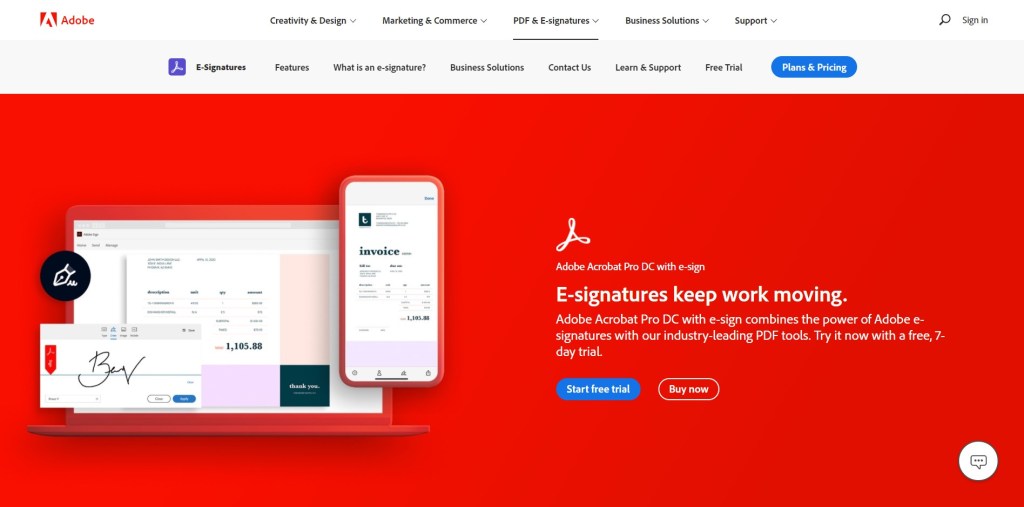
Adobe Sign is a combination of both the PDF and e-signature tools in one software. It’s e-signatures are secure and meet legal compliance standards. So, you can create a business or any formal document in PDF and send it, track it, and collect e-signatures effortlessly and quickly. Moreover, you get notified when your document is seen or signed. In case of forms, you get alerts when the form is nearing its expiry.
eversign
eversign helps small and medium businesses, enterprises, and individuals. It automates the documents while maintaining a high-level security. Businesses using eversign can integrate it with other applications like Google docs, Dropbox, and Zoho. You can draw, type, or upload your signature from any device. Further it also allows in-person signing and remote signing. Besides, you can also keep track of every previous and current transaction storing a comprehensive and detailed audit trail.
DocuSign
DocuSign is yet another famous eSignature software. It is available for iOS, Android, and Windows. The interface is intuitive, and one can quickly create and manage signatures and templates easily. You can save time and automate agreement workflows within the organization. DocuSign allows users to access all the documents its secure cloud storage. Companies can get good feedback by allowing customers to go through an exceptional signing experience. Above all, DocuSign allows users to sign in more than 40 languages.
PandaDoc
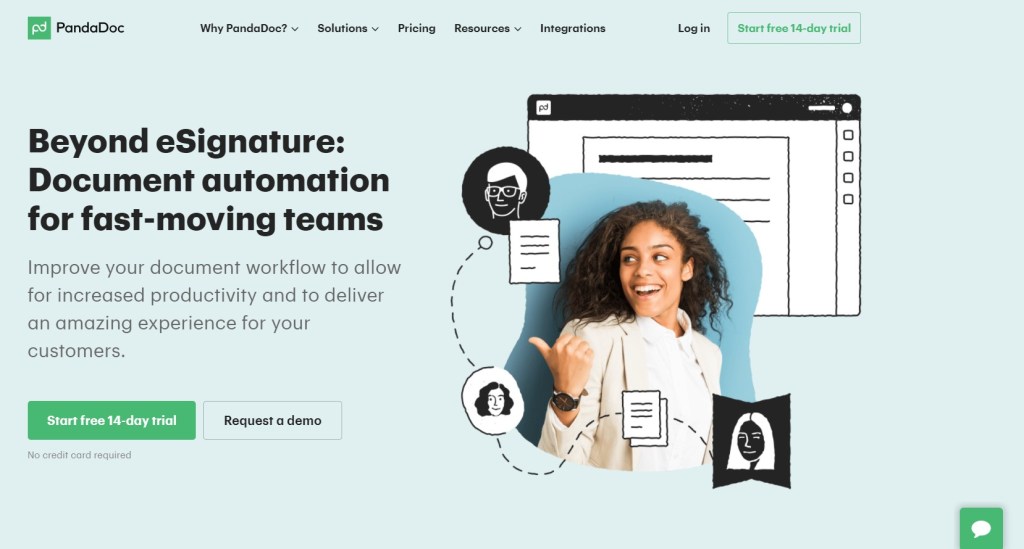
Want your sales team to improve its speed in workflow? Then PandaDoc is the best option. PandaDoc puts together the eSignature and the document automation which increases the productivity. So, when you are using this digital signing software there is no need to worry about streamlining. Creating, collecting, approving the proposals and contracts can be done in a single step. From creating the process in a business environment to closing the deal PandaDoc serves as your companion.
Digital signatures are legally binding and encrypted. Globally many countries have started using it. Many businesses, schools, colleges, and other non-profit organizations are finding it easier to use digital signatures. Moreover, in this pandemic period businesses need not worry about the delay in personal direct meetings. Instead, they can opt for videoconferencing and eSigning to finalize their deals. Many of the above software offers a free trail. So, you can create a free account use the software and know its pros and cons. Finally, you can pick the best digital signature software according to your needs.




 Digiteks
Leave a comment