Quick steps on how to create an avatar on Facebook.
Want to check yourself in cartoon form? No need for cartoon apps, now you can use Facebook to create avatars. Facebook has always come out with attractive updates to satisfy its customers and stand out in the competition. Are you bored replying emojis to your friends? Now you can create your own avatar resembling you and then send your friends. Earlier Facebook avatars were available US, Canada, Australia, New Zealand, and Europe. But now even Indian Facebook users can make use of this new feature.
You can create an avatar expressing emotions like sadness, laugh, or funny feelings. So, you can digitize the way you express yourself on social media. Avatar is Facebook’s contribution that is similar to Snapchat’s Bitmoji and Apple’s Memoji.
How to create avatar on Facebook app?
- Download the Facebook app on your Android or iOS device. Then login using your credentials. Now, you can access your account.
- Then, click on the three lines icon that is present in the top right. Now you are on the menu page, click ‘See More’.
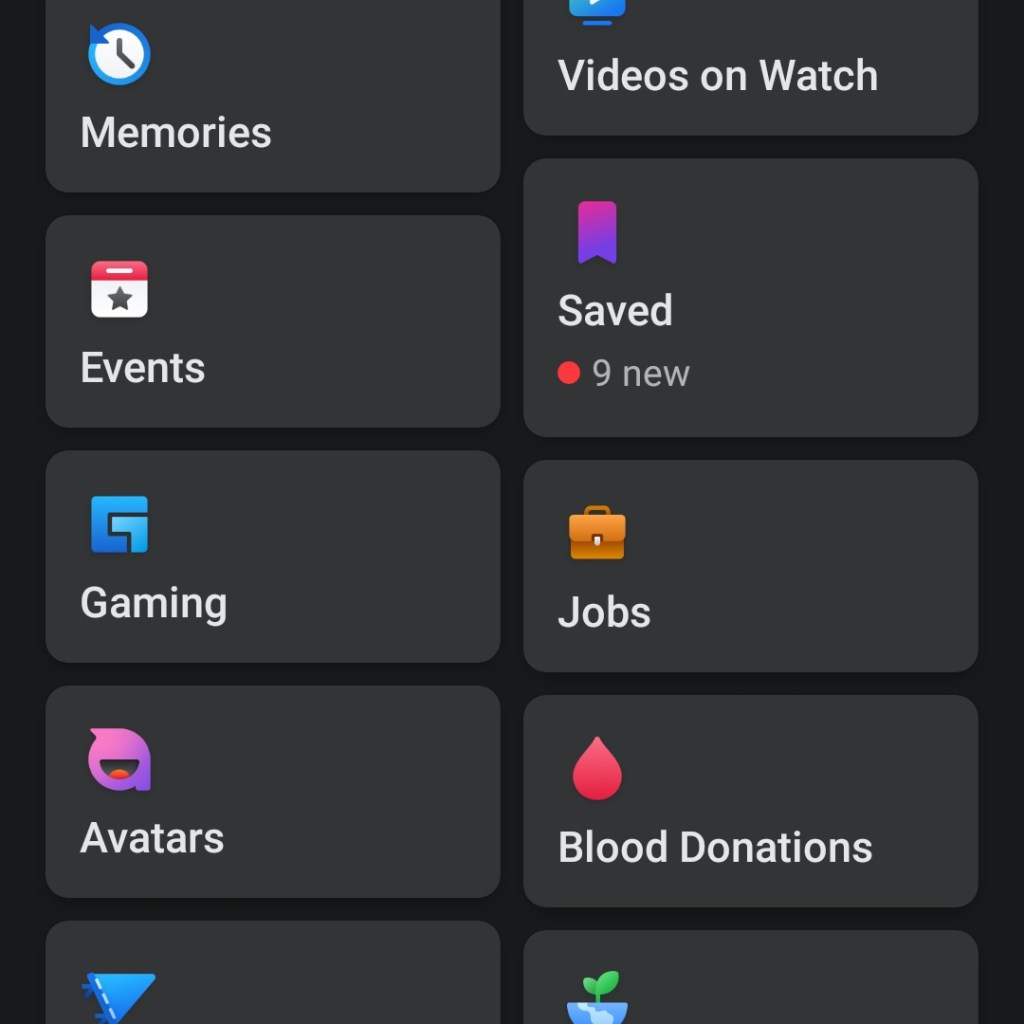
- Now, click on the avatars tab. It guides you through the avatar creating procedure. Click on ‘Next’ and get started.
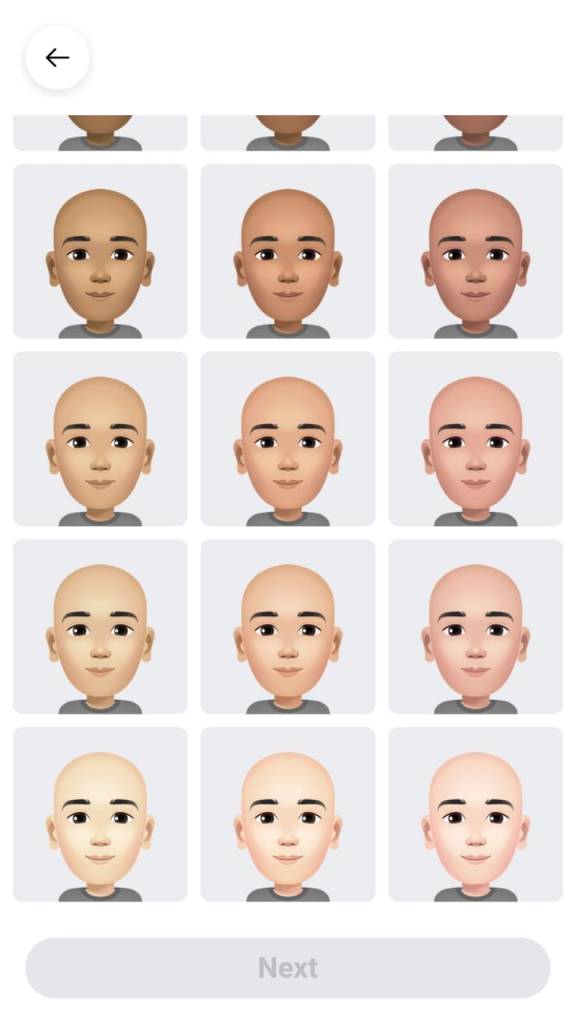
- The first step is choosing your skin tone. Select your desired skin tone and then click ‘next’.
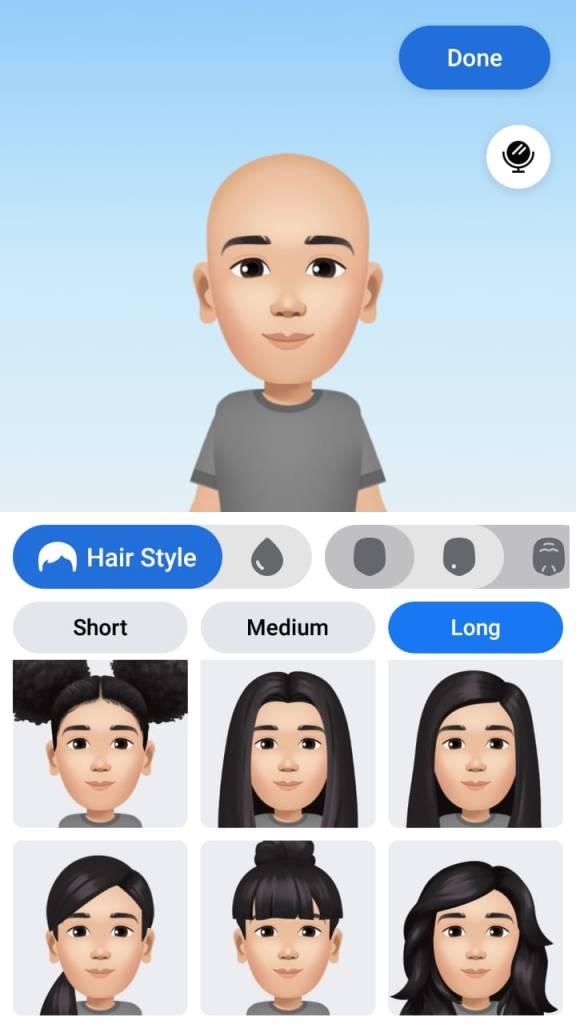
- In this stage, you can select your hairstyle. You can easily navigate between short, medium, and long tabs to pick your desired hair length. Then, you can choose your hair color from the variety of shades available including different hair dye colors.
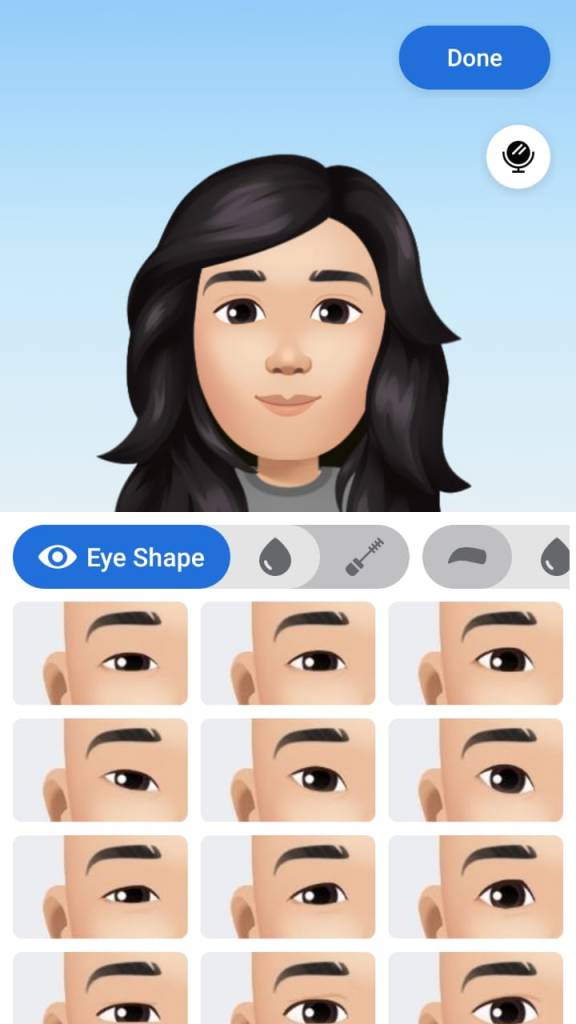
- Next, you can choose your desired eye shape, color, and eyebrows. Then you can pick spectacles if required. Once you complete your make up and facial hair option, you can proceed to the next step.
- Then, you can select the body shape and then your desired outfit. In the headwear section, you can choose any hats, scarfs, or caps.
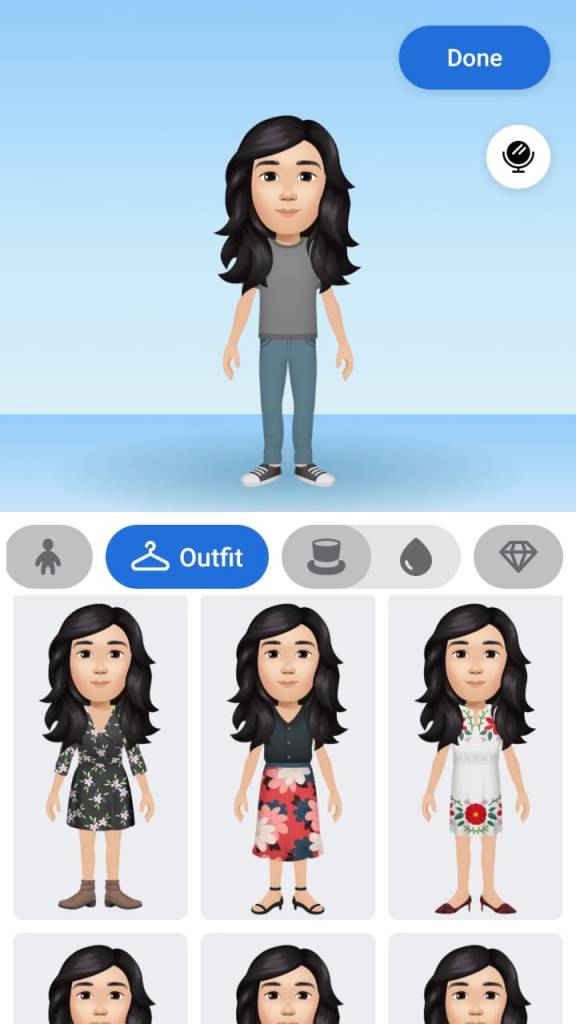
- Finally, in the accessories section, if you create a female avatar, you can choose earrings, nose rings, or bhindi. Then you can click ‘Done’.
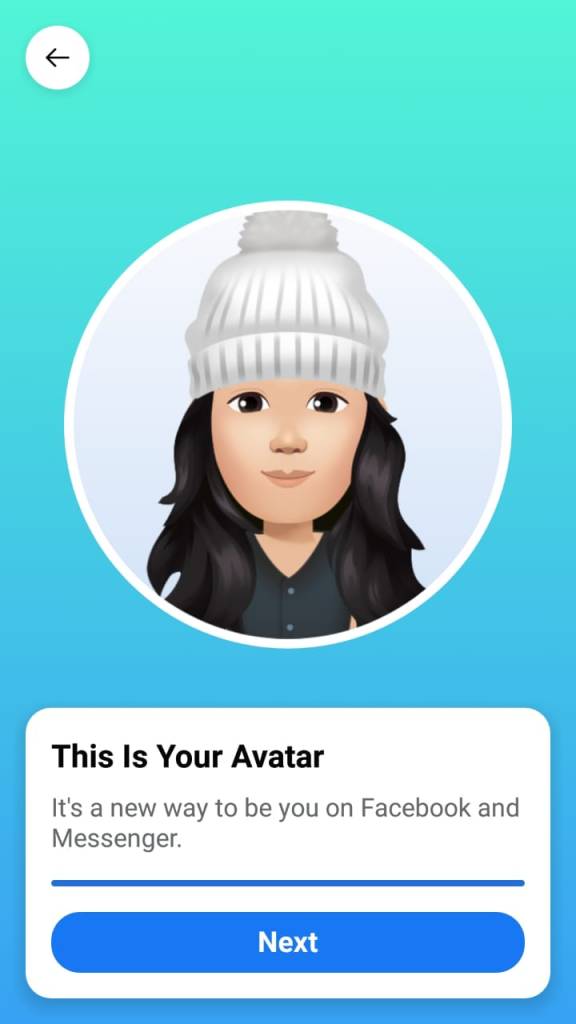
Now, you have successfully created your avatar. Facebook allows you to share it in your newsfeed. You can also use the avatar as your Facebook profile picture. Besides, you can use your newly created avatar as stickers while replying to your friends. Before trying to create an avatar make sure you use the latest version of the Facebook app or just update it.
Customizing and creating your avatar is real fun! Go and just try it!




 Digiteks
Leave a comment