
We’ve moved on from the days when we only used our phones to make phone calls or send text messages. Nowadays, we conduct most of our work on our cell phones. Everything is on this palm-sized device, from social networking to bank accounts, and from document storage to secret messages storage. Many of us are now asking if we need to use any additional antivirus software to secure our Android devices. Here, you can find the answer to this question.
Many of our computer responsibilities have shifted from desktops to our phones or tablets. In most cases, you need not install antivirus software on Android smartphones and tablets. Android malware does exist, though, and antivirus with useful features can assist.
Android cell phones are less secure than iOS devices. As it is built on open-source technology the owner can adjust the parameters to suit his or her demands. Apart from that, Android also uses apps created by third-party developers. Unfortunately, this compromises the security mechanism of the device, making it vulnerable to malware.
How Do Viruses Infect Android Phones and Tablets?
Android devices, like PCs, are not infected with self-replicating viruses. But they can be infected with various malware. The purpose of this software is to obtain unauthorized access to or control of your device. Triout is a well-known Android malware found in 2018. This malware infects an Android handset and then tracks the user’s activities, including recording phone calls, saving text messages, and monitoring their position.
The majority of Android malware and viruses are installed in the background through dubious apps. Although, because all apps in the Google Play store have been reviewed by Play Protect, such apps are not available. Fortunately, by default, Android does not let you install apps from unknown sources. So the chances of installing a dangerous programme are limited.
To keep your smartphone safe, install an Android antivirus app whenever you install apps from sources other than the Google Play Store. Antiviruses such as AVG, Bitdefender, Avast Mobile Security, and others are available for Android.
When it comes to device security, there are a few things to keep in mind
There are a few things to keep in mind to keep your device safe:
Software and security updates: Ensure that your software and security are constantly up to date. Not only does updating your smartphone improve its speed, but it also makes it safer by including the most up-to-date security features.
Safe Browsing: When you enter a potentially harmful website, the safe browsing mode is turned on by default. Make sure Google Chrome and your Android phone are both up to date to get the most out of this feature.
App Authorization: In addition to the two features listed above, the App & Notification menu has an app permission feature. This feature allows you to view which apps have access to specific features on your smartphone.
To avoid harm, keep these fundamental recommendations in mind and follow them to the best of your abilities.
Avast Mobile Security
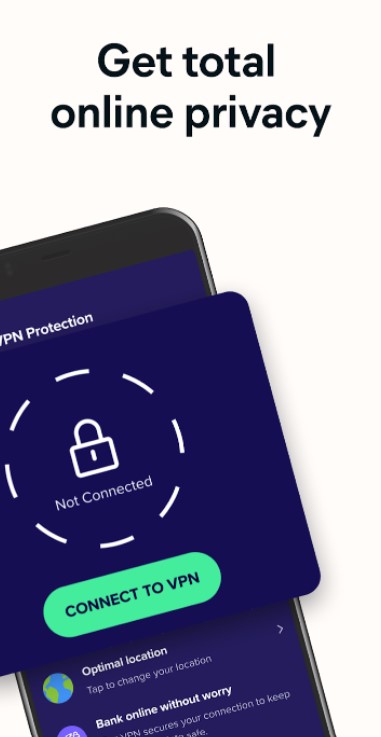
Avast Antivirus is a cross-platform internet security suite for Microsoft Windows, macOS, Android, and iOS developed by Avast. Computer security, browser security, antivirus software, firewall, anti-phishing, anti-spyware, and anti-spam protection are all included in the freemium and premium versions of Avast Antivirus.
Avast is the most popular antivirus vendor on the market, with the largest share of the antivirus software industry.
Kaspersky Mobile Antivirus
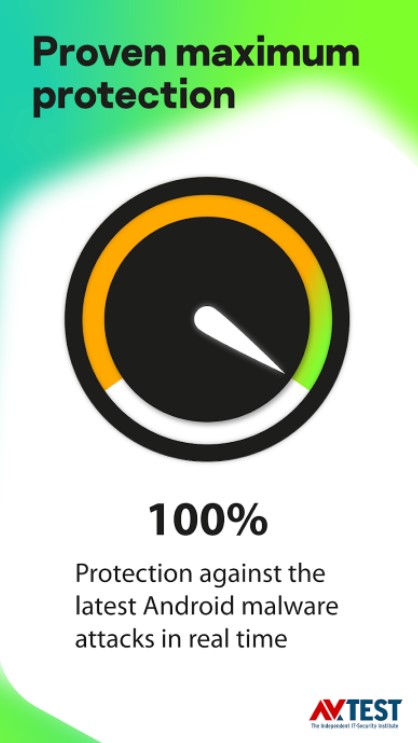
Kaspersky Mobile Security is a smartphone security app that goes well beyond traditional antivirus, giving Android users everything, they need to feel protected.
As you might expect, Kaspersky Mobile Security protects your device from infections by scanning programmes before you download them and preventing you from visiting dangerous websites.
However, Kaspersky does not give only this degree of security. You’ll also have access to a set of antitheft features, such as the ability to remotely disable access to the device and trace down a stolen device via 3G or Wi-Fi.
Norton Antivirus Android
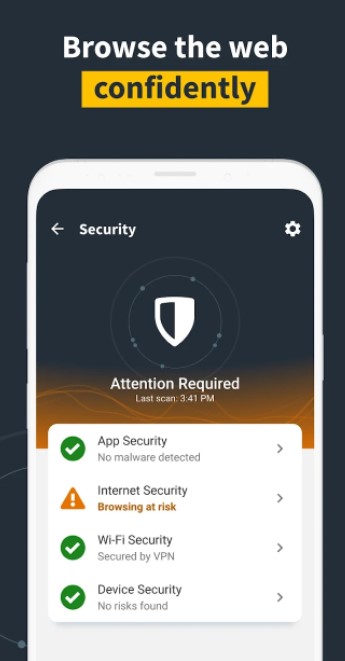
In the Google Play Store, Norton Mobile Security for Android, also known as Norton Security and Antivirus, has consistently provided excellent malware protection as well as a unique feature set that offers value to its consumers.
Norton Mobile Security’s key selling point is the App Advisor, which analyses apps in Google Play before you download them. No other Android antivirus app we tested accomplishes this.
Like most Android antivirus apps, Norton Mobile Security for Android no longer schedules malware scans. It instead includes a single “Smart Scan” option that performs a scan “at the optimal time and frequency.” You have the option of scanning system apps, your SD card, or both.
McAfee Android
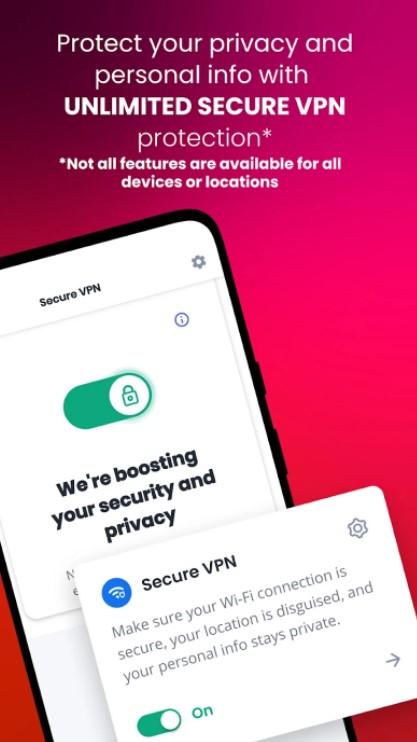
Secure web browsing, PC optimization, and a password manager with VPN are all included in this antivirus package, giving you piece of mind. McAfee is a high-end antivirus product that shields users from the latest viruses, malware, spyware, and ransomware threats. It also safeguards an individual’s privacy and identity. With full internet security, multi-faceted privacy protection, and on-the-go safe Wi-Fi, this is one of the best antiviruses software available. There are three distinct plans to choose from Individual, Multi-Device, and Family. This application is compatible with Windows, Mac OS, iOS, and Android devices.
Key Features
- It protects your privacy while browsing.
- Permanently deletes critical digital files.
- It is possible to safeguard up to ten devices.
- On an easy-to-use web-based dashboard, there’s a 30-day money-back guarantee.
Conclusion
There is no hard and fast rule when it comes to whether you should install antivirus on your Android device. It all depends on how you use your Android device, the data you store on it, and how safe you want it to be.



 Digiteks
Leave a comment